Until today, everything a provider did on Paralon happened on a web page: add a node, check whether it is online, set a price, switch it off for the evening. That is fine for a gaming PC. It is not how anyone runs twenty machines in a rack, or one machine listed on three marketplaces.
So the provider side now has an API. Every node you run can be read and changed from your own scripts, your monitoring and your agents, with the same key as the rest of Paralon.
What you can do
| Call | What it does |
|---|---|
GET /nodes | Every node: state, GPUs, price and its allowed range, verification, reputation, the rental running on it, and live GPU metrics |
GET /nodes/{id} | One node |
POST /nodes | Add a node and get the docker run command that installs the agent |
GET /nodes/{id}/command | The install command again, to reinstall or move a machine |
PATCH /nodes/{id} | Take it off the market and back (available), set price_per_hour, switch spot, rename it |
POST /nodes/{id}/reclaim | Take a spot node back; a spot rental on it stops two minutes later |
GET /earnings?days=30 | What you earned by day, rentals split by node, and what you can withdraw |
The base URL is https://paraloncloud.com/api/v1. Every call answers the node as it is after the change, so a script never has to guess.
One look at the whole fleet
curl https://paraloncloud.com/api/v1/nodes \
  -H "Authorization: Bearer $PARALON_API_KEY"
Each node comes back with one word for its state (available, rented, paused, not_verified, not_ready or offline), and the reason when it is not available: the verification error, or what the rental readiness check is waiting for. A rented node shows its rental, start and price, never who rented it.
Every node also carries the agent's last reading, sent about once a minute:
"metrics": {
  "at": "2026-10-21T19:02:12Z",
  "gpus": [{ "utilization_pct": 90, "temperature_c": 68, "power_w": 443.6,
             "vram_used_mb": 2504, "vram_free_mb": 21635 }],
  "cpu_pct": 100, "memory_used_mb": 4765, "memory_free_mb": 59215
}
That is an RTX 4090 under a renter's job, read through the API while we wrote this. With it, an alert for a GPU at 85 °C, a dashboard of the whole fleet or a nightly report is a short script, not a login.
The machine you also list somewhere else
Most large fleets do not sit on one marketplace. The risk of listing a machine twice is renting it twice. With the API, the script that sees a rental start elsewhere takes the node off Paralon in one call:
curl -X PATCH https://paraloncloud.com/api/v1/nodes/$NODE_ID \
  -H "Authorization: Bearer $PARALON_API_KEY" \
  -H "Content-Type: application/json" \
  -d '{"available": false}'
New rentals stop at once; a rental already running here goes on to its end, so nobody is cut off. When the other rental ends, {"available": true} puts it back. The same switch covers the simpler case: the machine is yours and you need it tonight.
On a spot node you can go further and take it back from a running spot rental with POST /nodes/{id}/reclaim: the renter gets two minutes' notice and is billed only until it stops.
Prices from your own logic
Each node reports its default price for its GPUs and the range a custom price must stay in, 50% to 300% of the default:
curl -X PATCH https://paraloncloud.com/api/v1/nodes/$NODE_ID \
  -H "Authorization: Bearer $PARALON_API_KEY" \
  -H "Content-Type: application/json" \
  -d '{"price_per_hour": 0.64}'
The price is what a renter pays per hour for the whole node, in US dollars; you earn it minus the platform fee. A price outside the range is refused with the range in the answer, null goes back to the default, and a rental already running keeps the price it started with. Together with GET /gpus, which lists what renters can rent right now and at what price, a script can follow the market instead of a guess made once.
Adding machines
POST /nodes with a name, a type (gpu, cpu or mac) and an OS answers the node and its install command. Run it on the machine and the node comes online, then goes through the same GPU verification as every other node. A fleet rollout becomes a loop over your inventory. The command holds the node's token, so treat it as a secret; and a key can add up to 20 nodes an hour, so a runaway script cannot fill an account with empty nodes.
From Claude Code and other agents
The ParalonCloud MCP server, now published as @paraloncloud/mcp, has a tool for each call, next to the rental tools it already had. For Claude Code there is also a plugin with skills that teach the agent how to run your nodes: what each state means, when a GPU is too hot, how to compare your price with the market, and to ask before it changes anything:
claude plugin marketplace add ParalonCloud/paralon-skills
claude plugin install paraloncloud@paraloncloud
Then "how are my nodes doing, is any GPU running hot?" is a question you can type.
What a key can and cannot do
The API uses the same prlc_ keys as inference and rentals, with a new permission: My nodes. A key gets only what you turn on, and since this week that holds for all three permissions: a key without Inference is now refused on the model endpoints too, so a key made for your fleet script cannot spend your credits on tokens.
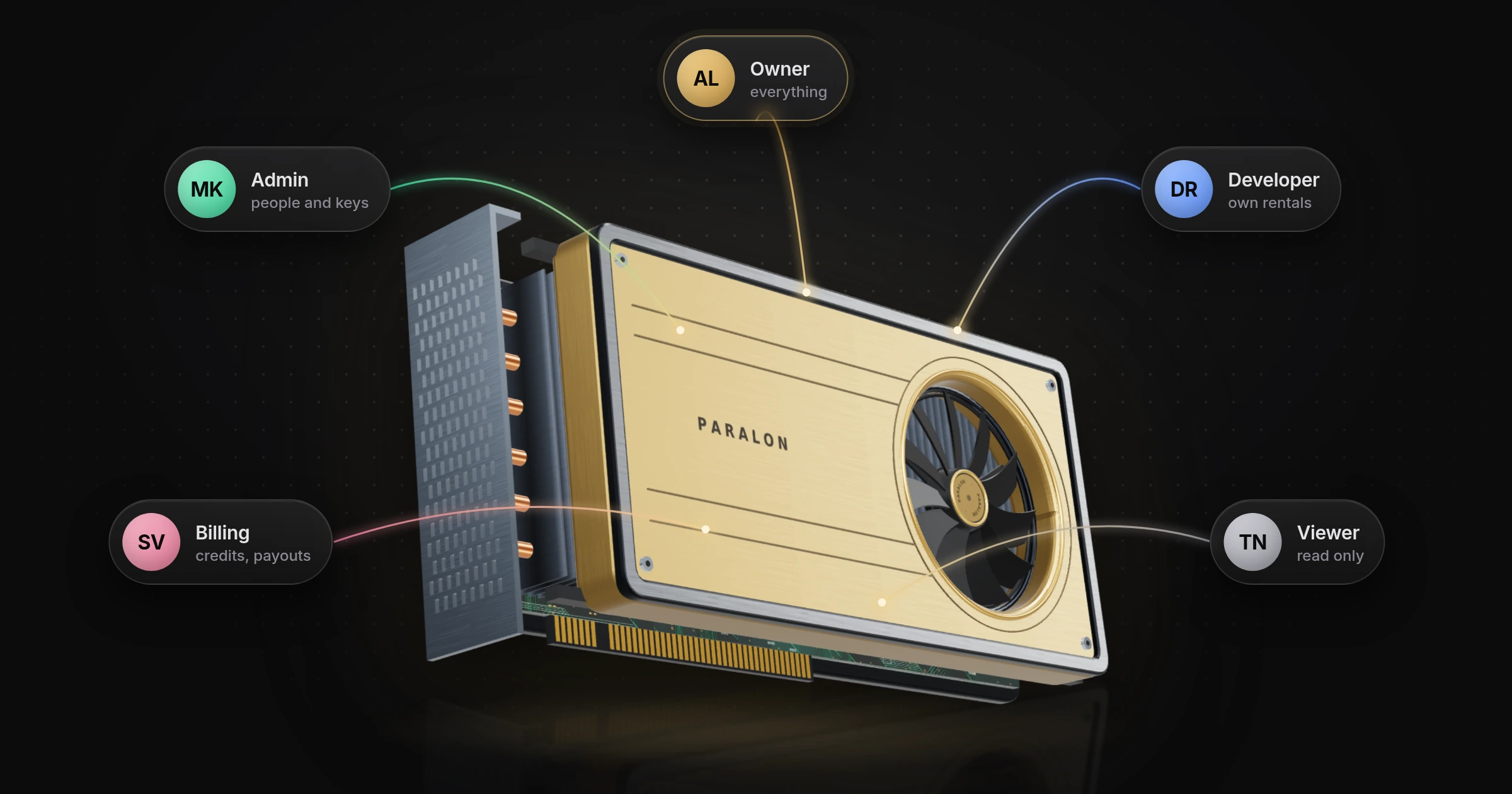
In an organization, only an Owner or Admin can give a key the My nodes permission, every change a key makes is in the activity log under the person who made the key, and if that person's role changes to one that cannot manage nodes, their keys lose it.
What no key can do: request a payout, change where payouts go, or delete a node. Those stay on the site. A key that leaks can move your prices; it cannot move your money.
Numbers and limits
Measured from a server in Germany, twenty calls each:
| Call | Median | 90th percentile |
|---|---|---|
GET /nodes | 119 ms | 138 ms |
GET /nodes/{id} | 110 ms | 130 ms |
GET /earnings?days=30 | 130 ms | 167 ms |
PATCH availability | 130 ms | |
PATCH price | 113 ms |
The honest limits for a large fleet: every change is one call per node, there are no bulk calls, and there are no webhooks yet, so your script learns that a node was rented by polling GET /nodes. Inference earnings are reported for the account, not per node. Requests count against the key's per-minute limit. If you run enough machines for any of that to matter, write to us at [email protected]: bulk calls and events are the next things we would build, and we would rather build them with you.
Start
- In the Console, under API keys, create a key and turn on My nodes.
curl https://paraloncloud.com/api/v1/nodes -H "Authorization: Bearer $PARALON_API_KEY".- Read the Provider API docs: every call with its answer, the node fields, the errors and a Python example that keeps a machine from being rented twice.
The tools we built on it are open source in ParalonCloud/paralon-provider-tools: Grafana monitoring for the whole fleet, a watcher that keeps a machine on several marketplaces without double rentals, and prices that follow each node's demand. Over the next days we will publish a step-by-step guide for each, and one for running your nodes from Claude Code.
Frequently asked questions
What is the Paralon provider API?
A set of HTTP calls for GPU providers to run their own nodes from code: list them with state, price and live GPU metrics, add a node, take it off the market and back, change its price, reclaim a spot node and read earnings by day. It lives at https://paraloncloud.com/api/v1 and uses the same prlc_ key as the inference and rental APIs.
Which key do I need?
Any API key with the 'My nodes' permission, turned on in the Console under API keys. A key without it is refused with 403 insufficient_scope. In an organization only an Owner or Admin can give a key this permission, and the key acts on the organization's nodes.
Can a key request a payout or change where my earnings go?
No. There is no route for it. Payouts and the payout destination stay on the site, with the 48-hour hold on a new destination. A leaked key can change prices and availability, so keep it private and give it only the permissions it needs.
How do I stop a machine from being rented twice when I list it elsewhere too?
When it is rented on the other marketplace, send PATCH /nodes/{id} with {"available": false}; when it is free again, {"available": true}. New rentals stop at once; a rental already running on Paralon goes on to its end.
Can I see GPU temperature through the API?
Yes. Every node carries the agent's last reading, about once a minute: load, temperature, power and memory of each GPU, and the machine's CPU and memory. It is null when the node has sent nothing for a few minutes.
Does it work for a large fleet?
It works per node: every node is one call, and requests count against the key's per-minute limit. There are no bulk calls and no webhooks yet, so a script polls GET /nodes (once a minute is plenty). A key can add up to 20 nodes an hour.
Can I use it from Claude Code or another AI agent?
Yes. The ParalonCloud MCP server (npm @paraloncloud/mcp) exposes every call as a tool, and the Claude Code plugin from github.com/ParalonCloud/paralon-skills adds a skill that teaches the agent how to run your nodes: what each state means, when a GPU runs too hot, how to price against the market, and to confirm before any change.