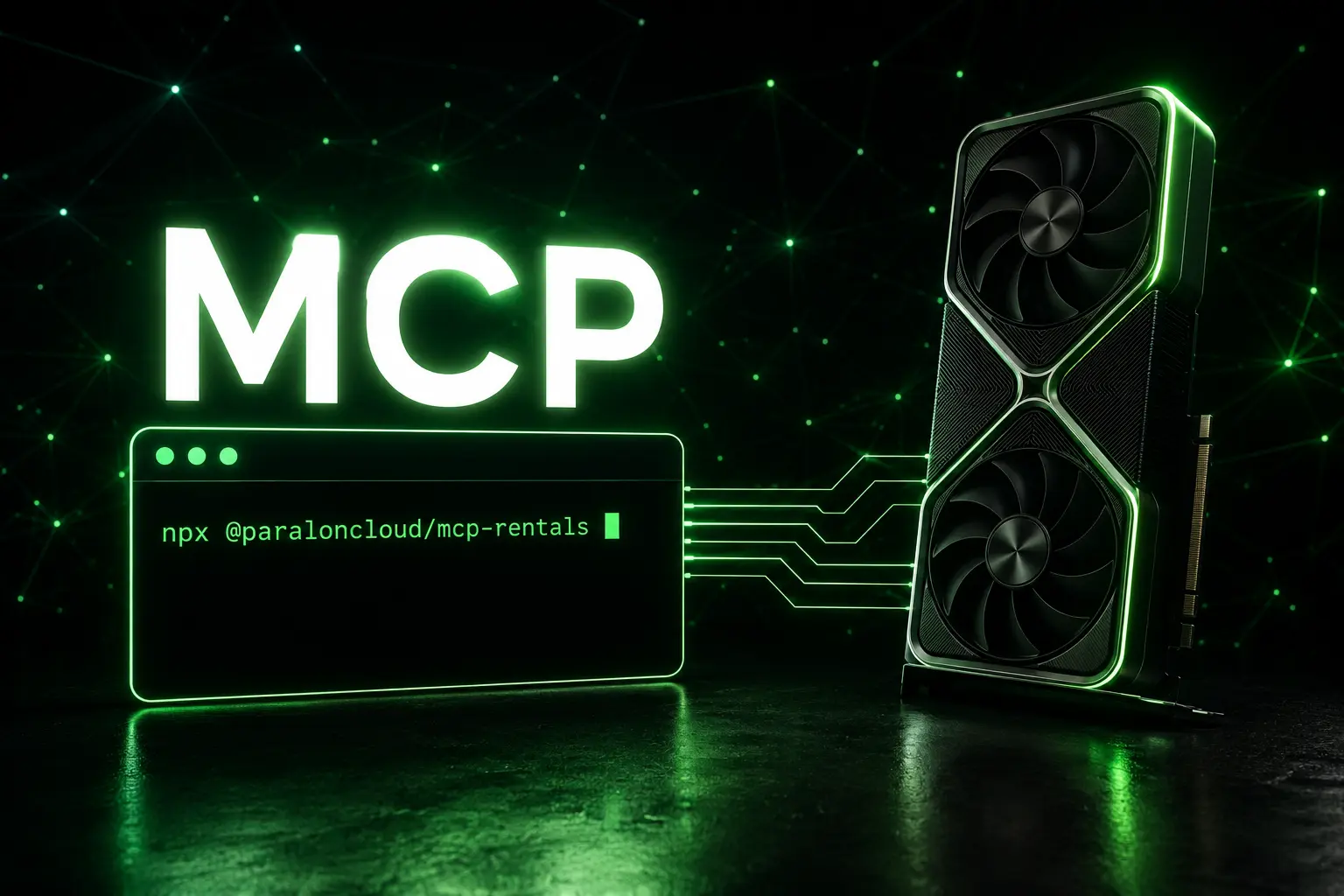
You can now rent a GPU without leaving your editor. We shipped an MCP server for the Rental API, so Claude Code, Claude Desktop, and Cursor can browse GPUs, start a rental, wait for it to come up, and hand you the connection URL — in plain language.
"Rent me a 24 GB GPU for two hours and give me the Jupyter link." The agent picks a node, starts it, polls until it's ready, and pastes you a working URL.
- npm:
@paraloncloud/mcp-rentals - Source: github.com/ParalonCloud/mcp-rentals
- Docs: Rental API → MCP server
One line to install
The client passes your key via an environment variable — you never edit the server. In Claude Code:
claude mcp add paraloncloud-rentals \
  --env PARALON_API_KEY=prlc_your_key_here \
  -- npx -y @paraloncloud/mcp-rentals
npx fetches the package on first run — no repo to clone, no build step. Claude Desktop and Cursor take the same command in their MCP config (see the docs).
Six tools, the whole lifecycle
The server maps the rental API to six tools the agent can call:
list_gpus— available GPUs with price, VRAM, and CUDA compute capabilityget_balance— your credit balancecreate_rental— start a rental (spends credits)get_rental— status and, once ready, the connection URLlist_rentals— what you have runningdestroy_rental— stop it and stop billing
Renting is asynchronous, and the tools tell the agent so: create_rental returns immediately, then the agent polls get_rental until the secure tunnel comes up. You watch it start the GPU, wait, and then give you the link — no guesswork, no invented URLs.
Same key as inference — that's the point
The MCP uses the same prlc_ key as the inference API, gated by an opt-in rental scope. One key, one balance, both APIs. So you can build an agent that calls a model and rents the GPU to run the heavy job — reason about a task in one breath, provision the hardware for it in the next. No second account, no separate billing.
Safe to hand to an agent
An agent that spends credits needs guardrails, and they're built in:
- Confirmation.
create_rentalanddestroy_rentalchange what you're billed — MCP clients confirm tool calls before running them. Keep that on. - Idempotent creates. A retried call returns the same rental instead of starting a second GPU.
- Auto-stop. Ask for "two hours" and the rental stops itself even if the agent forgets.
- Scoped, capped keys. The
rentalscope is off by default, and each key has amax_active_rentalslimit you set in the Console. A leaked or runaway key can't drain your balance.
Billing is per minute while a rental runs. The agent starts it, you use it, and a destroy_rental (or the auto-stop) ends it — you pay for the middle.
Get started
- Create a key in the Console and turn on the GPU Rentals scope (how).
- Add the one-line config above to Claude Code, Claude Desktop, or Cursor.
- Ask it to rent you a GPU.
Prefer plain HTTP? The Rental API does the same thing over REST — the MCP server is just a thin wrapper so your agent can drive it in natural language.