
Text-to-SQL is one of the jobs companies most want from a language model: someone asks "how many games did he play after 1971?", and the model writes the query against your tables. Big models do it well. The question is whether a small one, which you can run anywhere for almost nothing, gets there with a little training.
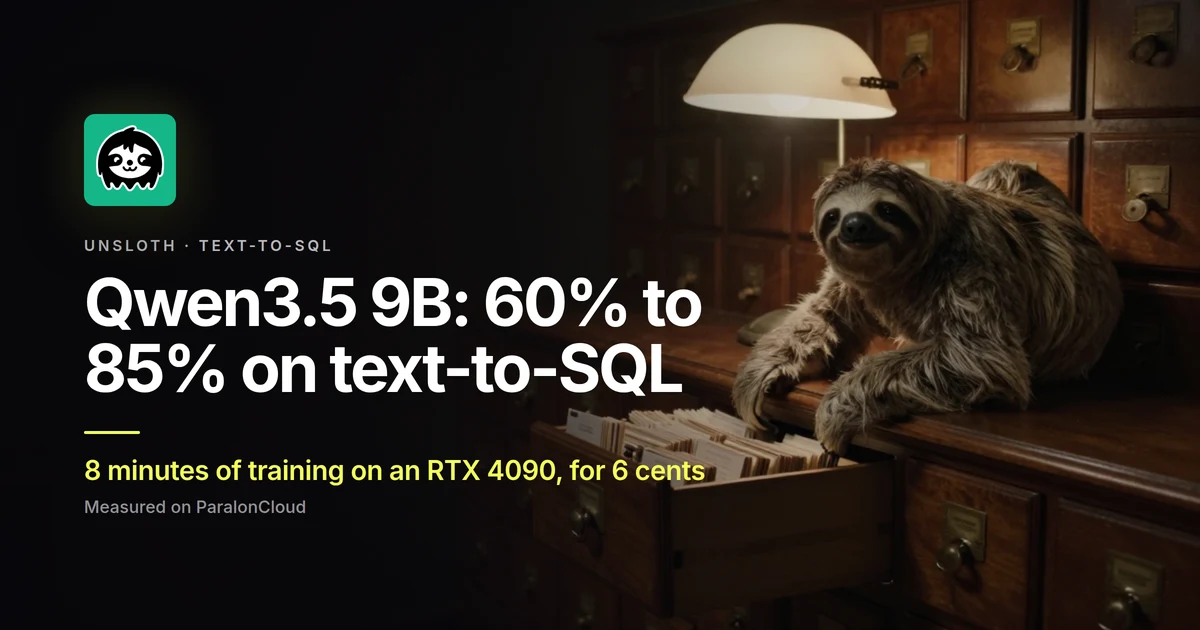
We took Qwen3.5-9B, asked it 200 questions it had never seen, trained it on 8,000 others with Unsloth on one rented RTX 4090, and asked the same 200 again.
| On 200 held-out questions | Before | After |
|---|---|---|
Right, ignoring quotes, spacing and ASC | 120 (60%) | 170 (85%) |
| Identical to the reference, character for character | 105 (52.5%) | 159 (79.5%) |
| Valid SQL that runs on the question's tables | 194 | 194 |
| The training | RTX 4090 (24 GB) |
|---|---|
| Data | 8,000 examples, one pass, 846,000 tokens |
| Time | 8 min 4 s (500 steps of 16 examples) |
| Peak VRAM | 8.8 GB |
| Cost at $0.45 an hour | about 6 cents (about 9 with the model download and both tests) |
| Trained | a LoRA adapter, 43 million parameters, 0.46% of the model |
What it learned
The base model knows SQL; what it gets wrong is reading the question against the table. Three of the 51 questions it got right only after training:
| Question | Before | After |
|---|---|---|
| How many Games have Years at club of 1971–1974, and a Debut year larger than 1971? | SELECT COUNT(*) … AND debut_year > '1971' counts rows | SELECT SUM(games) … AND debut_year > 1971 adds up the games |
| What is the location for tournament on Jul 8-11? | four LIKE '%Jul 8%' OR … guesses | WHERE dates = "Jul 8-11" |
| What is 2004, when 2005 is "2R", and when 2006 is "1R"? | WHERE Id = '2005' AND Id = '2006', a column that does not exist | WHERE 2005 = "2r" AND 2006 = "1r" |
One question went the other way: right before, wrong after. Every other one the base model had right, the trained one kept.
What part of the gain is only style
Be careful with the second line of the first table. The dataset writes its answers one way: double quotes, numbers without quotes, values in lower case, no ASC. A model that learns that way of writing matches the reference more often without being any more correct, so a character-for-character score flatters training.
That is why we lead with the lenient score: quotes of either kind, numbers with or without quotes, ASC, spacing and letter case all count as the same. What is left are real differences: the wrong column, the wrong aggregate, a missing condition. On that score training still takes it from 60% to 85%. The scorer is 15 lines; run it on the two prediction files and you get the same numbers.
The 15% left is not all the model's fault either. The dataset comes from WikiSQL and Spider, and some references are themselves wrong: for "Which Pick has a Round larger than 17, and a Name of gene stewart?" the reference counts the picks, and our model returns the pick, which is what was asked.
Run it yourself
- Rent an RTX 4090 (or any GPU with 12 GB or more) and choose Unsloth Studio in the first step of Rent. Fine-tune an LLM with Unsloth Studio walks through the rental and the app.
- Open JupyterLab, then a terminal. Studio installs its own Python with Unsloth, PyTorch and TRL in it; use that one.
- Download
sql_ft.pyand run it:
wget https://paraloncloud.com/files/guides/fine-tune-qwen3-5-text-to-sql-rtx-4090/sql_ft.py
~/.unsloth/studio/unsloth_studio/bin/python sql_ft.py
It downloads the model and the data, tests the base model, trains, tests again, and saves the adapter and results.json in /workspace/sqlft/. The seed is fixed (3407), so the same 200 questions are held out every time. On our 4090 the whole run took about 12 minutes; most of what is not training is the first download of the model.
The settings, if you want to change them:
| Value | |
|---|---|
| Base model | unsloth/Qwen3.5-9B, loaded in 4 bits (QLoRA) |
| LoRA | rank 16, alpha 16, attention and MLP of the language layers; the vision layers are left alone |
| Training | 1 epoch, batch 8 × 2 accumulation, learning rate 2e-4, linear, AdamW 8-bit, only the answers count in the loss |
| Data | b-mc2/sql-create-context (CC BY 4.0), 78,577 questions with their CREATE TABLE and the reference SQL |
| Test | 200 questions set apart before training, greedy decoding, thinking off |
Your own database
The dataset is a stand-in for your own questions. To train on your schema, write examples in the same three parts: the CREATE TABLE statements the model may use, the question as your users ask it, and the query you would write. A few hundred real ones, checked by someone who knows the database, teach it more than thousands of generic ones; you can also have a large model draft them and check them by hand (synthetic datasets with an open model).
Keep the test apart from the start, and score what matters to you: in production that is usually whether the query returns the right rows, which you can check by running both queries on a copy of the database.
Good to know
- 12 GB is enough. The peak was 8.8 GB, so a 12 or 16 GB card fits this run; a 4090 is just faster. We measured the 4090 only.
- It could be faster. Qwen3.5 mixes normal attention with Gated DeltaNet layers, and the fast kernels for those (
flash-linear-attentionandcausal-conv1d) are not in Studio's install, so Unsloth fell back to plain PyTorch for them, and said so in the log. Installing them in Studio's Python should cut the time; we kept the default. - Qwen3.5-9B is a vision model too. The script trains only the language layers and leaves the vision layers as they were.
- To use the result elsewhere, merge the adapter or export it to GGUF with Unsloth (
model.save_pretrained_gguf(...)) and run it in Ollama, LM Studio or llama.cpp, on the same rental with Open WebUI and Ollama or on your own machine. - Download before you stop. Everything on the rental is deleted when it ends, the adapter too.
All the files from our run: sql_ft.py, score.py, results.json, and every answer before and after: preds_base.json, preds_tuned.json.
Ready? Pick a GPU and choose Unsloth Studio.