Fine-tuning teaches an open model one job of yours: answer in your company's tone from your past support tickets, pull the same fields out of every invoice, write SQL for your own schema, sort tickets into your categories. A small model trained on your examples often matches a much bigger one on that job, and then runs cheaply anywhere.
Unsloth is one of the most used ways to do it on one GPU: by its own figures it trains about twice as fast with up to 70% less VRAM than the usual stack. Unsloth Studio puts it in the browser: pick a model, give it your data, train, chat with the result, export it. On ParalonCloud it is one choice at Rent.
What we measured
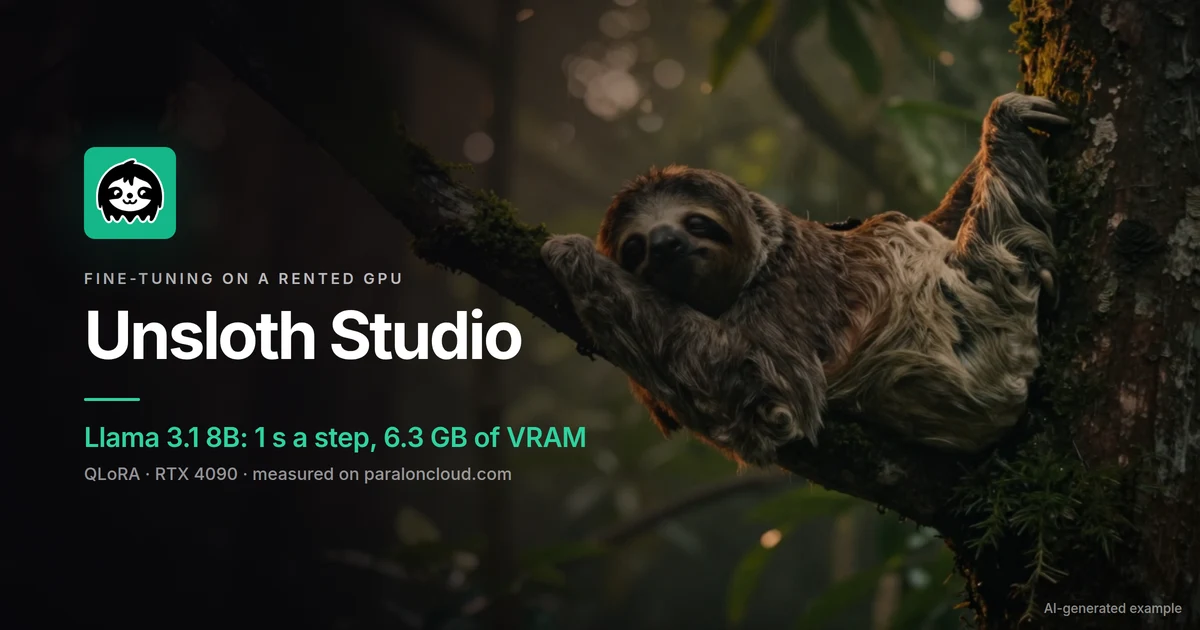
On an RTX 4090 rented on ParalonCloud, with Unsloth's standard recipe: Llama 3.1 8B Instruct in 4-bit with LoRA adapters (QLoRA, rank 16), 2,000 examples of the public Alpaca instruction set, batches of 2 with 4 accumulation steps (8 examples a step), up to 2,048 tokens each.
| RTX 4090 (24 GB) | |
|---|---|
| Unsloth Studio installed and open, after the machine answers | about 2 minutes |
| Llama 3.1 8B downloaded and loaded | 87 s |
| Training speed | 1.01 s a step (8 examples) |
| Peak VRAM | 6.3 GB |
| 60 steps (480 examples) | 61 s |
What that means for your own run, at $0.45 an hour for the 4090 (see the current price):
| Your data | Steps (one pass) | Time on a 4090 | Cost |
|---|---|---|---|
| 2,000 examples | 250 | about 4 minutes | about 3 cents |
| 10,000 examples | 1,250 | about 21 minutes | about 16 cents |
| The full Alpaca set, 51,760 examples | 6,470 | about 1.8 hours | about 81 cents |
Times scale with the length of your examples: Alpaca's are short. Long documents or chats take more per step, and more VRAM.
How much VRAM you need
The 6.3 GB above is the number that surprises people: QLoRA keeps the base model in 4-bit and trains only small adapters, so an 8B model fine-tunes on a card a fraction of a 4090's size. Rough fits for QLoRA, scaled from that measurement (our estimates, not benchmarks):
| Base model | 12 GB | 16 GB | 24 GB (RTX 4090) | 32 GB (RTX 5090) |
|---|---|---|---|---|
| 3B to 4B (Llama 3.2 3B, Qwen3 4B, Gemma 3 4B) | Comfortable | Comfortable | Comfortable | Comfortable |
| 7B to 8B (Llama 3.1 8B, Qwen3 8B) | Fits (6.3 GB measured) | Comfortable | Comfortable | Comfortable |
| 12B to 14B (Gemma 3 12B, Qwen3 14B) | Tight | Fits | Comfortable | Comfortable |
| 27B to 32B (Gemma 3 27B, Qwen3 32B) | No | No | Tight | Fits |
We offer Unsloth Studio on cards with 12 GB or more. Longer examples and bigger batches need more; full fine-tuning (no LoRA) needs several times as much and is rarely worth it for one task.
Step by step
1. Pick a GPU
Open the GPU list and pick a machine with enough VRAM for your model (the table above) and 60 GB of free disk. A 4090 is the comfortable choice for anything up to 14B; for an 8B model a cheaper 12 or 16 GB card does the same job, a little slower.
2. Choose Unsloth Studio
Press Rent. In What to run, pick Unsloth Studio (the sloth). On a machine it does not fit, the card is greyed out and says why. Choose JupyterLab or SSH for the machine itself, accept the terms, and start.
The start screen shows the install: Unsloth's own installer downloads its environment, about 4.5 GB, so it takes a few minutes, at the machine's speed. It always installs Unsloth's latest release.
3. Sign in
Unsloth Studio always asks for a username and password. Yours are made for this rental and shown on the ready screen under the JupyterLab address, and in My Rentals: Username and Password, hidden until you press the eye, each with a copy button. Press Open Unsloth Studio, then paste them in.
4. Train
In Studio, pick a base model (Llama, Qwen, Gemma, DeepSeek and many more, downloaded onto the machine), load your data (your own file, or a dataset from Hugging Face), and start training. Studio shows the loss as it goes; when it ends, chat with your model right there to see whether it learned the job.
Your data is the part that matters. A few hundred to a few thousand good examples of exactly the task, in the same format you will use later, beat a large pile of loosely related text.
5. Take your model with you
Everything on the machine is deleted when the rental ends, your model too. Before you stop it, export it (from Studio, or with Unsloth in the terminal): the LoRA adapter alone (small, applied on top of the base model), the merged model, or GGUF, which runs in Ollama, llama.cpp and LM Studio. Then download it from JupyterLab's file browser, copy it with scp over SSH, or push it to your Hugging Face account straight from the machine.
Good to know
- The link and the password are the keys. Whoever has both can use your Studio, and Studio can run code on the machine. Share them only with whom you would share the machine.
- Latest release. Unlike our pinned ComfyUI and Open WebUI versions, Unsloth Studio follows Unsloth's releases, which come every few days. If a release breaks the install, we see it and can switch the app off until it is fixed; the machine itself keeps running.
- Long trainings on spot machines can be taken back with two minutes' notice. Save checkpoints as you go, or rent on-demand: checkpointing on spot GPUs shows how.
- From code or an AI agent:
"template": "unsloth"onPOST /api/v1/rentalsstarts it, and the sign-in comes back inapp.loginnext to the app's link. - Licences. Unsloth's core is Apache 2.0 and Studio's interface AGPL-3.0; each base model has its own licence (Qwen3 is Apache 2.0, Llama and Gemma have their own terms). Check it before you ship a fine-tuned model.
Every app you can start a rental with is on Apps.
Ready? Pick a GPU and choose Unsloth Studio at Rent.