
Mistral Large 4 is Mistral's largest open-weight model: about a trillion parameters in total, a mixture of experts with 128 routed experts and 4 of them active per token, 49 to 52 billion parameters working on each token, a 1M context window and image input. It is released under the Mistral Ecosystem Open-Weight License.
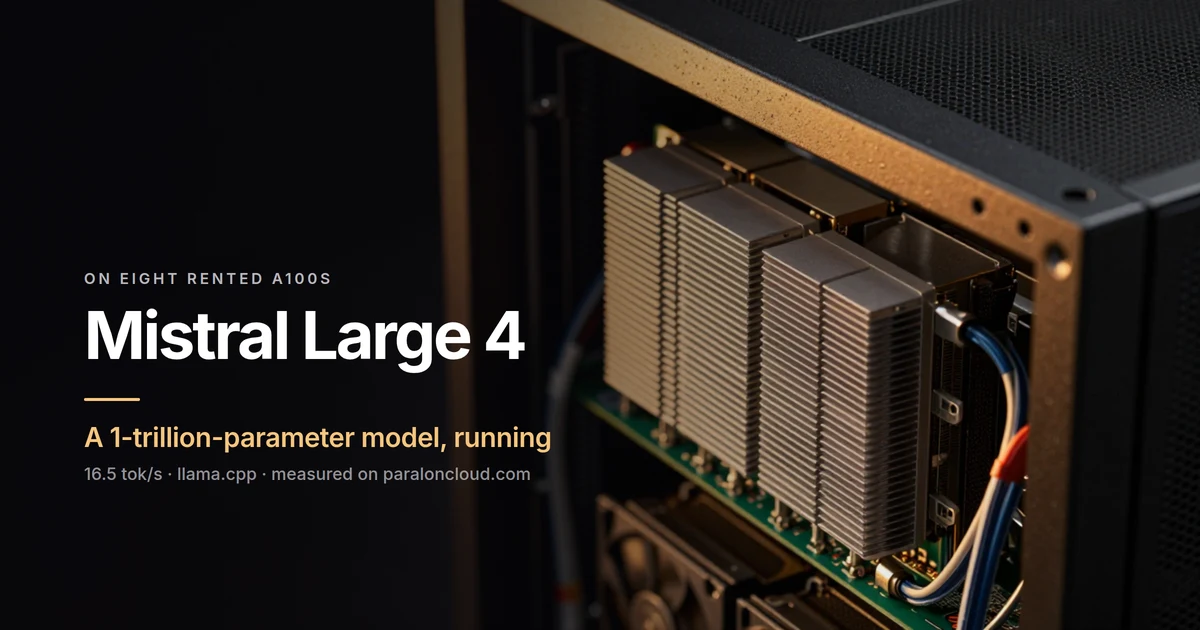
A model that size sounds like it needs a rack of the newest GPUs. We wanted to know what it takes on hardware you can rent by the minute today. So we ran it on eight A100 80GB on Paralon, with llama.cpp, and it answered at 16.5 tokens per second.
The setup
| GPUs | 8× NVIDIA A100-SXM4-80GB, 640 GB of VRAM, compute capability 8.0 |
| Host | 240 threads, 1.7 TB of RAM, driver 580.105.08, Ubuntu 24.04 |
| Engine | llama.cpp, built from source for sm_80, CUDA 13.4 |
| Model | unsloth/Mistral-Large-4-1T-A52B-GGUF, UD-Q3_K_XL |
| Size | 458.9 GiB, 1,049.36B parameters as llama.cpp counts them |
Which version fits in 640 GB
| version | size | on 8× A100 80GB |
|---|---|---|
| BF16 | ~2.1 TB | no |
| Q8_0 GGUF | ~1.1 TB | no |
NVFP4 (mistralai/Mistral-Large-4-1T-A52B-NVFP4) | built for Blackwell's FP4 tensor cores | no: the A100 has no FP4 |
| UD-Q4_K_XL GGUF | 605 GB | fits, with almost no room left for context |
| UD-Q3_K_XL GGUF | 493 GB | fits, with room for eight users |
| UD-Q2_K_XL GGUF | 378 GB | fits easily, at a larger loss |
At 640 GB the practical choice is Unsloth's dynamic 3-bit quant. Its "UD" layers keep the parts of the model that matter most at higher precision, and it leaves enough memory for the KV cache of several conversations. On an 8× H200 the 4-bit GGUF fits with room to spare, and on Blackwell the NVFP4 version opens up.
Step 1: build llama.cpp for the A100
apt-get update && apt-get install -y cmake build-essential git \
  cuda-nvcc-13-4 cuda-cudart-dev-13-4 libcublas-dev-13-4
export PATH=/usr/local/cuda/bin:$PATH
git clone --depth 1 https://github.com/ggml-org/llama.cpp && cd llama.cpp
cmake -B build -DGGML_CUDA=ON -DCMAKE_CUDA_ARCHITECTURES=80
cmake --build build -j --target llama-server llama-bench
CMAKE_CUDA_ARCHITECTURES=80 builds only for the A100. On 240 threads the
build took 3 minutes 47 seconds.
Step 2: download the shards
pip install -U huggingface_hub hf_xet
HF_XET_HIGH_PERFORMANCE=1 hf download unsloth/Mistral-Large-4-1T-A52B-GGUF \
  --include "UD-Q3_K_XL/*" --local-dir ./ml4
493 GB came down in 14 minutes 39 seconds, while llama.cpp was building.
Step 3: measure
F=$(ls ml4/UD-Q3_K_XL/*00001-of-*.gguf)
./build/bin/llama-bench -m $F -ngl 99 -fa 1 -p 512,4096 -n 128 -r 3
| test | tokens per second |
|---|---|
| prefill, 512-token prompt | 219 ± 1.5 |
| prefill, 4,096-token prompt | 237 ± 0.1 |
| generation, 128 tokens | 16.5 ± 0.1 |
16.5 tokens per second is a steady stream of text, about as fast as a quick reader reads. The variance across runs is almost nil. A 4,096-token prompt, a few pages of a document, is read in about 17 seconds.
Step 4: serve it
./build/bin/llama-server -m $F -ngl 99 -fa on -c 65536 --parallel 8 \
  --host 127.0.0.1 --port 8081 --jinja
The server was answering 115 seconds after start. With eight slots of 8,192 tokens each, the GPUs held 474.6 GiB of their 596 GiB, so all of the model and its cache sit in VRAM, with about 120 GiB to spare for longer contexts.
The first question we asked, "What is 17 times 23? Reply with the number only.", came back 391: correct.
The same 400-token request sent 1, 4 and 8 times at once:
| concurrent | total tok/s | per request |
|---|---|---|
| 1 | 16 | 16 |
| 4 | 28 | 7 |
| 8 | 32 | 4 |
This is a model for one person or a small team at a time, not for a public endpoint. About 52B parameters work on every token, so each token reads far more memory than a model with fewer active parameters. For comparison, on the same machine DeepSeek V4.1 Flash and GLM-5.3 Flash run at 37 tokens per second.
What it is good for on A100s
- Trying a trillion-parameter model before you commit to hardware or an API: an afternoon on a rented machine, billed by the minute.
- Private work on long documents and code, where the data should stay on a machine you control.
- Evaluations: running your own test set against Mistral Large 4 next to smaller models, on the same box.
For serving many users at once, plan on a larger Hopper machine or on Blackwell, where the 4-bit and NVFP4 versions fit with room to batch.
What to take away
- Mistral Large 4 runs on 8× A100 80GB with llama.cpp and the
UD-Q3_K_XLGGUF, all of it in VRAM. - 16.5 tok/s for one user, 237 tok/s prefill, ready in under two minutes.
- Build for
sm_80, point llama.cpp at the first shard, and you still have about 120 GiB of VRAM free for context.
The 8× A100 machines are on the rent page, billed by the minute, with JupyterLab or SSH when the machine starts.