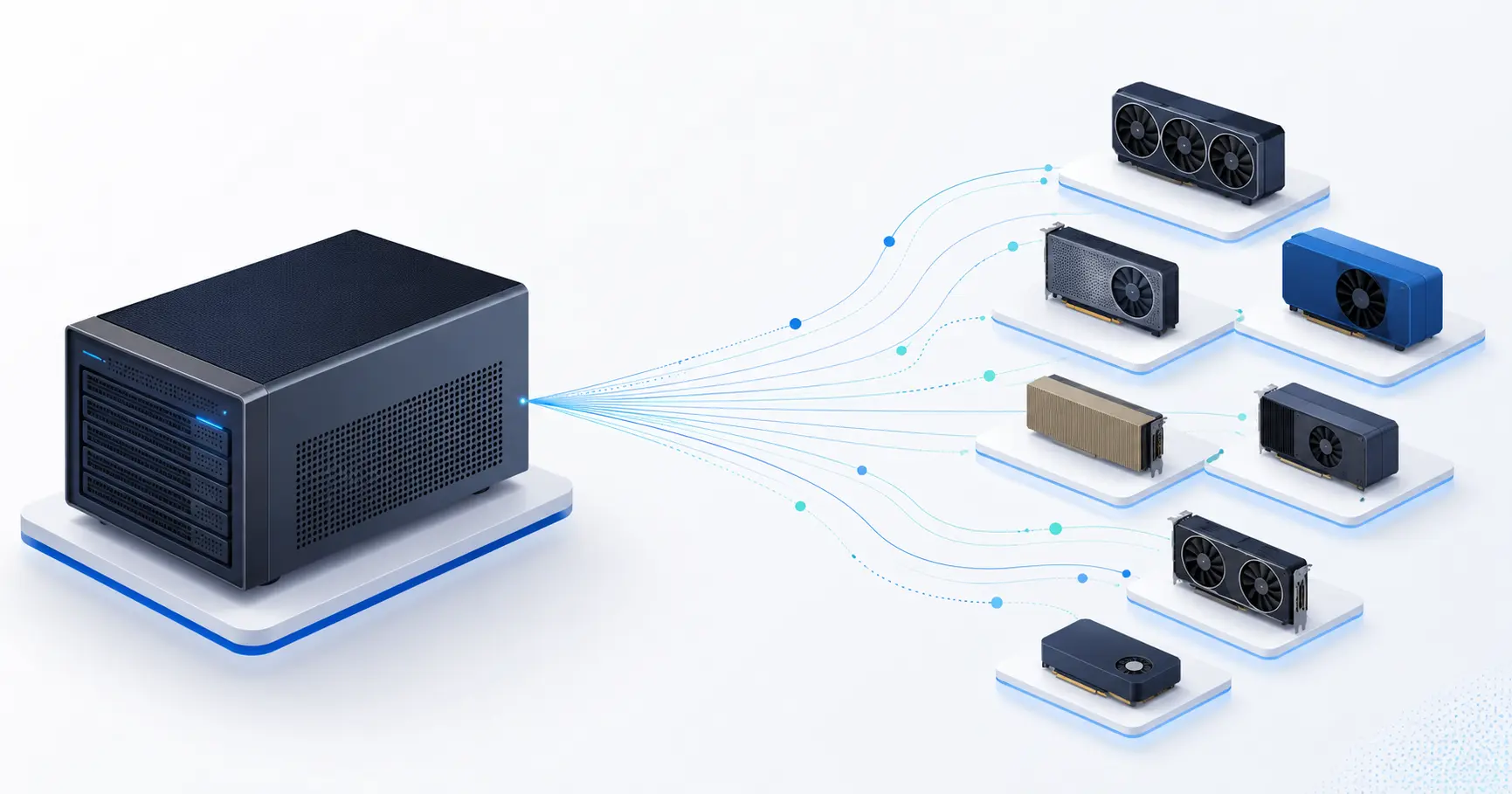
This is the worker table for one model on our admin dashboard, as it looked this week:
| Node | GPU | Host | Engine | Ctx | Started with |
|---|---|---|---|---|---|
| rig | 8x RTX 3060 | Linux | vLLM | 16k | --tensor-parallel-size 1 --data-parallel-size 3 … |
| ultra | Apple M1 Ultra | macOS | llama.cpp | 16k | llama-server -m Qwen3-4B-Q4_K_M.gguf -c 16384 -ngl 99 --jinja --reasoning-format none |
| max | Apple M4 Max | macOS | llama.cpp | 16k | llama-server -m Qwen3-4B-Q4_K_M.gguf -c 16384 -ngl 99 --jinja --reasoning-format none |
Three machines, two operating systems, two inference engines, one model ID. A request for that ID lands on whichever of them is least loaded, and the response is the same shape whichever one produced it. The day before, an RTX 5060 Ti under Windows/WSL was in the same table, so make that three operating systems.
We did not set out to build a heterogeneous cluster. We set out to stop wasting the Macs. This post is what it took, with the numbers, including the attempt that failed.
Why put a Mac under a GPU's model name at all
An Apple Silicon Mac is a strange inference machine. It has no discrete GPU, but it has unified memory with 400 to 800 GB/s of bandwidth, and decoding a small language model is a bandwidth problem. A 4B-parameter model in 4-bit weighs about 2.5 GB; an M4 Max reads that per token comfortably above 80 times a second. That is the same neighbourhood as a mid-range NVIDIA card running the same model under vLLM.
Until now our Macs served their own model ID, a small Gemma through Ollama, which few integrations had a reason to pick, because the model people build against is the one the GPUs serve. The obvious fix is to serve that model on the Macs too. The problem is that "the same model" has to mean the same thing to the caller, and two engines have different opinions about what a response looks like.
What had to be equal
The model row in our database describes one recipe per engine. For GPUs it names a Hugging Face repository and the vLLM arguments; for Macs it now names a GGUF file and the llama-server arguments. The hub picks the recipe by the node's platform, the agent starts the right server, and at registration it reports the engine and the exact command line it ran, so the dashboard above can show it. The router does not know or care: it sees a worker with a context length, a KV budget and a measured speed.
Four things had to be made equal for that to be honest:
1. The weights. The GPU side runs Qwen3-4B in AWQ 4-bit; the Mac side
runs the official Qwen3-4B-GGUF at Q4_K_M. Same base model, same
generation, both 4-bit. Not bit-identical, and we do not claim it; the
answers are the same model's answers at the same precision class.
2. The context. Both start at 16,384 tokens. llama-server's -c and
vLLM's --max-model-len are the same promise to the router, which uses it to
keep long prompts away from workers that cannot hold them.
3. Tool calling. vLLM runs with --enable-auto-tool-choice and the
Hermes parser. llama.cpp needs --jinja to use the model's own chat template,
which is where Qwen3's tool format lives. Without it, tool calls come back as
prose.
4. The reasoning format. This one we found by sending the same prompt to both and diffing. Qwen3 thinks before it answers, and the two engines put the thinking in different places by default:
vLLM (no reasoning parser configured):
  content: "<think>\nOkay, so I need to figure out what 17 multiplied by 23 is…"

llama.cpp (default):
  content: ""
  reasoning_content: "Okay, let's see. The user is asking for 17 multiplied by 23…"
A client that reads content gets an answer from the GPU and an empty
string from the Mac. That is not "the same model". One argument fixes it:
--reasoning-format none tells llama.cpp to leave the <think> block
inline, exactly as our vLLM configuration does. After the change, the two
responses above are character-for-character the same shape.
The lesson generalises: when you put two engines behind one name, test the response shape, not just the tokens per second. A benchmark would never have caught this.
The numbers
Same benchmark for everything: the same prompts, 256-token answers, 1, 2 and 4 concurrent requests, measured through our own proxy so nothing else touched the machine.
| Machine | Engine | 1 request, tok/s | 2 concurrent, total | 4 concurrent, total | per request at 4 |
|---|---|---|---|---|---|
| Apple M1 Ultra, 64 GB | llama.cpp, Q4_K_M | 80 | 102 | 139 | 35 |
| Apple M4 Max, 36 GB | llama.cpp, Q4_K_M | 87 | 130 | 136 | 34 |
| RTX 5060 Ti, WSL | vLLM, AWQ | 96 (24 h median, production) |
At one request, the Macs are within 10 to 20% of a current-generation mid-range NVIDIA card. At four, per-request speed on the Macs drops to about a third: llama-server's parallel slots gain far less from batching than vLLM's continuous batching does, which is why the router gives a GPU worker more slots than a Mac. For single-request latency, which is what a chat user feels, the Macs are simply more workers at the same speed.
Prompt processing, from llama-server's own timings on 45-token prompts: about 250 tokens per second on the M1 Ultra, 500 to 680 on the M4 Max. Fine for chat, and a reason not to put a 100k-token prompt on one.
The experiment that failed first
Before the 4B, we tried the model people actually want: Qwen3.8 27B, which
our GPUs serve tensor-parallel across pairs of RTX 4090s at 113 tokens per
second per request. llama.cpp has a Q4_K_M build of it and, since a recent
release, supports its multi-token-prediction draft head (--spec-type draft-mtp), so on paper an M1 Ultra with 64 GB should be a respectable
27B worker.
Measured, same benchmark:
| concurrent | total tok/s | per request | p50 for 256 tokens |
|---|---|---|---|
| 1 | 10.7 | 8 to 16 | 24 s |
| 2 | 12.8 | 7.7 | 33 s |
| 4 | 15.0 | 3 to 6 | 62 s |
Prompt processing ran at 25 to 75 tokens per second on 46-token prompts, which is CPU-class, not GPU-class. The MTP draft was accepted 22 to 57% of the time, so with 8 drafted tokens per step it cost more than it saved.
The reason was not llama.cpp and not the model. It was memory. The machine reported 59 GB of 64 in use while our process held 22 GB, so about 37 GB belonged to whatever else its owner runs on it, and 6 GB was free. macOS does not keep 20 GB of weights resident on the GPU when it is that tight; it pages them, and every token pays for it. Two minutes after we stopped the model, the machine still showed 37 GB used.
That worker had already been registered under the shared model name. Our router picks two workers at random and takes the less loaded one, and an idle worker always wins, whatever its measured speed. So every time the GPU pair was busy, the next caller would have got the 27B at 8 tokens per second. We pulled it within the hour.
Three rules came out of that morning:
- Judge a Mac by free memory, not total. The scheduler used to skip its live free-memory check on Macs ("Ollama manages memory itself"). It now applies the same check it applies to GPUs, on the free-plus-inactive figure the Mac agent reports, three quarters of it to be safe. A 64 GB Mac with 37 GB in use is a 27 GB machine.
- Measure per-request speed on that machine before it joins a shared name. Total memory, chip name and published benchmarks say nothing about what the owner is running beside you. The acceptance test is the same prompt on the new worker and on a GPU worker, side by side.
- A 27B on a Mac needs 48 GB or a 36 GB machine with nothing else on it. The Q4_K_M weights are 17.7 GB; with the MTP draft, the vision projector and a 32k KV cache the process is 22 GB resident. We will run it when a Mac with that room shows up, and measure first.
The bug that only exists when the server is a child process
One more, because it cost us an hour and it will cost you one too if your agent supervises an inference server.
Our Mac agent updates itself by downloading the new binary and calling
exec() on it: same PID, new code. exec() keeps the process's children.
The llama-server the old agent had started kept running, on the same port,
with the old arguments. The new agent started a new llama-server with the new
arguments; it failed to bind the port and exited. Then the agent's readiness
probe asked the port whether a server was up, the old one answered, and
the agent reported the new command line as live.
The dashboard said --reasoning-format none; the server answering did not
have it. Nothing was down, so no alert fired. We only noticed because we
re-ran the response-shape check after the update.
The fix is three small things: stop the model before exec() and tell the
hub, so it re-allocates the moment the new agent reconnects; on start, if the
port already answers without a process of ours, kill whatever is running from
our binary path before starting; and readiness means our process answers,
not anyone on the port. Verified on the next update, in the log:
llama-server already answering on port 8090 without a process of ours; stopping the stale one
Starting llama-server: … --jinja --reasoning-format none
llama-server is ready
What this means
If you call the API: nothing changes. The model ID is the same, the response shape is the same, and a request may be served by a Mac when that is the least loaded worker. Speed at one request is within the range the GPUs already show for this model.
If you provide a Mac: an Apple Silicon machine with at least 8 GB free serves the 4B model at the speeds above, through llama.cpp, with the exact command line visible to us and to you. The 27B needs 48 GB, or a 36 GB Mac that does nothing else.
If you run your own mixed fleet: the checklist is the section on what had to be equal. Weights, context, tool format, reasoning format. Test the shape. Then judge the Mac by what is free, not by what is installed.