

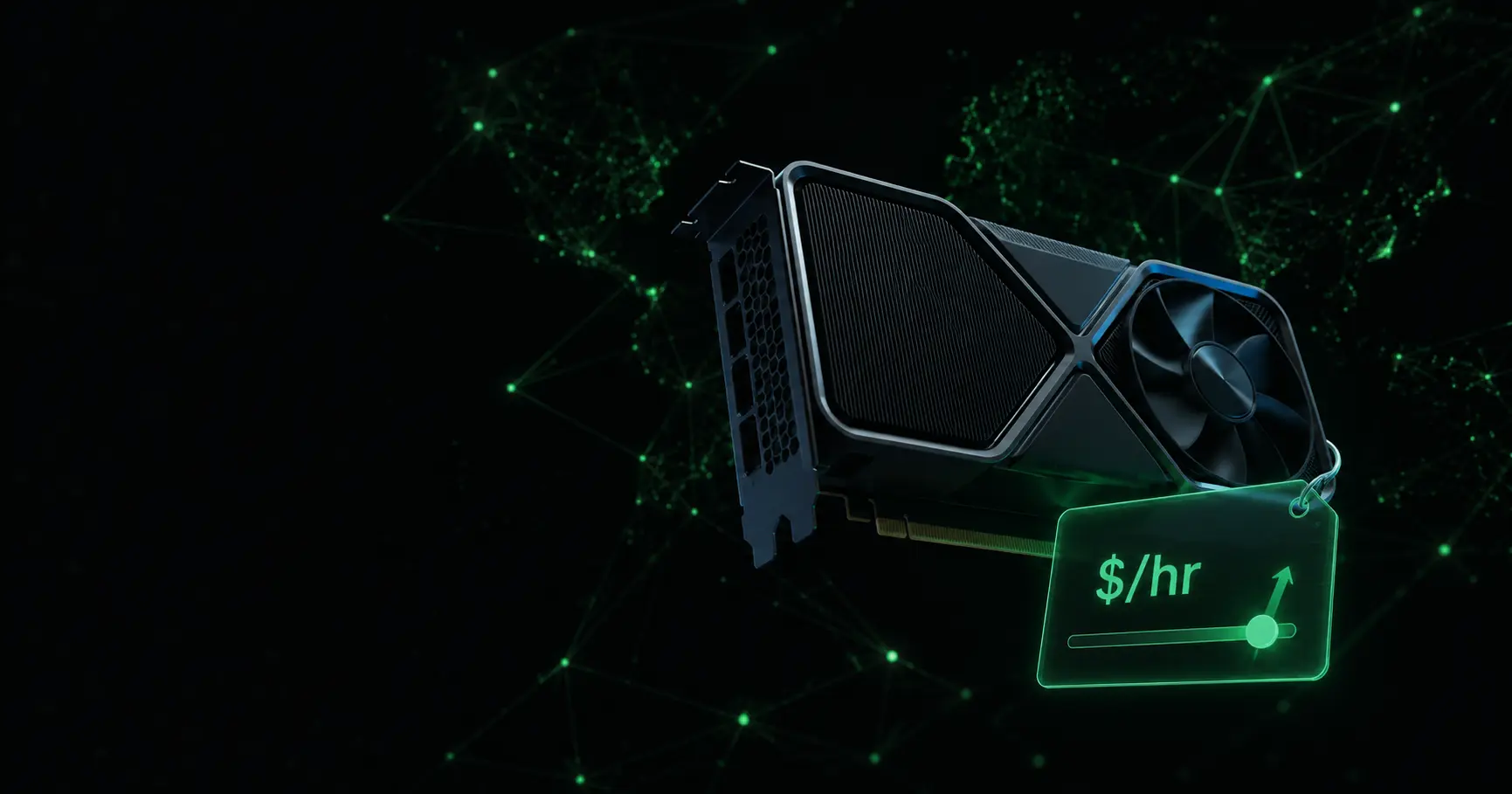
Starting today, providers on ParalonCloud set their own hourly price — per node, from the Dashboard. Click the price on your node card, type a number, save. That's the whole feature. The implications are bigger.
Every guide about how to monetize an idle GPU eventually hits the same wall: the platform decides what your hardware is worth. You bring the GPU, the electricity, the uptime — and someone else picks the number. DePIN is supposed to mean decentralization, and decentralization that stops at "we host your hardware, we set your price" isn't finished.
So we finished it.
How provider pricing works
- Do nothing and nothing changes. Every node follows the platform default for its GPU — a market-tracked catalog price you can browse on the pricing page. When the market moves, your price follows automatically.
- Or take over. Set a custom price per node anywhere between 50% and 300% of the default. The node card shows whether it's running on
DEFAULTorCUSTOM, and you can reset to automatic any time. - Renters are protected. The rate is locked the moment a rental starts. Changing your price never touches an active session — it applies from the next rental.
- Your share doesn't change. You keep 80% of whatever the price is, credited in USDC every minute your node is rented.
The full mechanics are in the Node Pricing docs.
What a GPU actually earns
The question every GPU owner types into a search bar: how much can I actually make? Here are the current platform defaults and what lands in your balance at the 80% provider share:
| GPU | Default price | You earn (80%) | Per 100 rented hours |
|---|---|---|---|
| RTX 4060 Ti | $0.16/hr | $0.128/hr | ~$12.80 |
| RTX 4070 Ti SUPER | $0.19/hr | $0.152/hr | ~$15.20 |
| RTX 4090 | $0.50/hr | $0.40/hr | ~$40 |
| RTX 5090 | $0.66/hr | $0.528/hr | ~$52.80 |
| H100 PCIe | $1.90/hr | $1.52/hr | ~$152 |
Two honest notes on that table, because earnings posts that skip them are lying to you:
- You earn when you're rented, not when you're online. Utilization is the variable that matters, and it's exactly what custom pricing lets you fight for — an aggressive price fills your node more often.
- Online time isn't worthless either. While Season 0 of the incentivized testnet runs, a verified node earns points (VRAM × time) every minute it's online, rented or not.
Pricing strategy, in three moves
Set and forget. The default tracks the market. If you don't want to think about pricing, don't — this is the right choice for most providers.
Undercut to fill. Price 10–20% under the default and your node sorts to the top when renters browse by price. Lower rate, higher utilization — for most consumer cards, the second number dominates. The first providers already figured this out: there are 4090s on the rent page under the default price right now.
Charge a premium. Great location, fat bandwidth, a long uptime record? Price above default and let your node's track record argue for it.
The honest warning
GPU rental is a brutally volatile market. A price that wins renters this week can make your node invisible the next. Do what serious providers do — check what other marketplaces charge for your card, watch your utilization, and price into reality, not hope.
Or don't. Undercut everyone. Bet on a premium. It's your node — that's the whole point of a decentralized network.
Start earning
- Add your node — one Docker command, no KYC.
- Watch it earn points from the first minute online.
- When it rents, 80% of your price lands in your balance, every minute, in USDC — withdraw to a Solana wallet whenever you like.
Your hardware. Your price.