Neocloud is the name the industry settled on for the GPU-first clouds: companies that own or lease GB300, B300 and B200 servers, and the generations before them, and sell them for AI training and inference, instead of selling a hundred services like a hyperscaler. Their economics come down to one number, utilization. A server under a contract pays for itself. A server between contracts is a depreciating asset with a power bill.
This guide is for the people who run that capacity: neoclouds, GPU data centers, hosting companies and any business with data-center GPUs it does not fully use. It covers three ways to keep those servers earning on Paralon, and how to run them from your own tools.
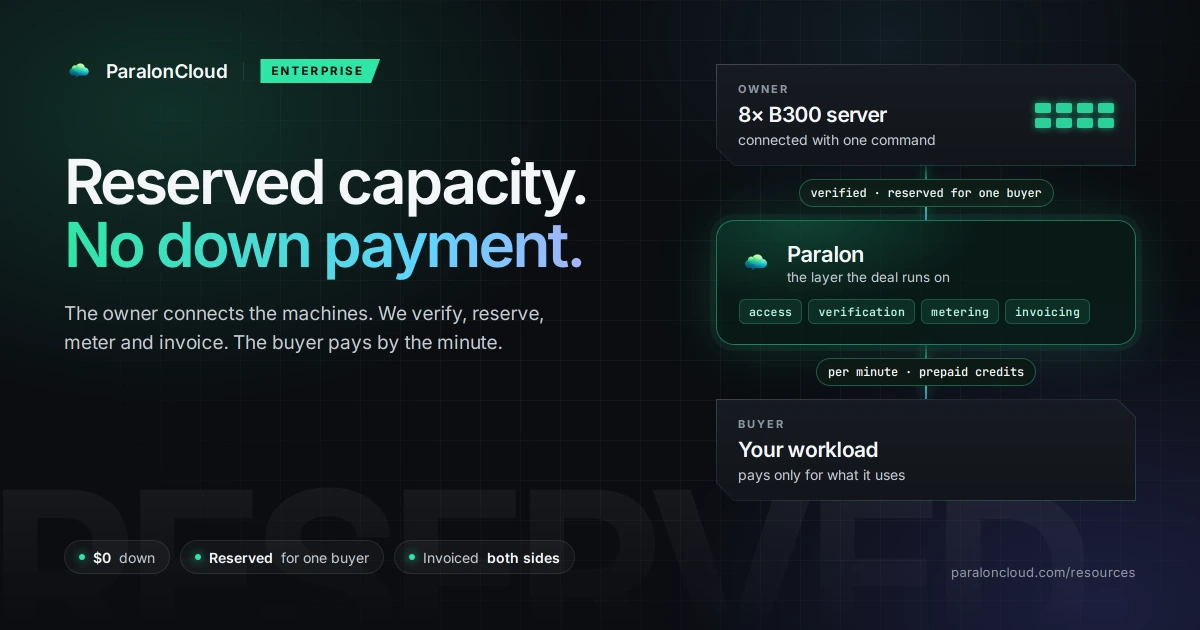
We are not a neocloud. We do not own GPUs and we do not compete for your customers' contracts. We are a marketplace and the layer a deal runs on: access, verification, metering, payments and invoicing between the owner and the buyer.
Three ways to sell the same capacity
| reserved deals | per-minute rentals | spot | |
|---|---|---|---|
| What it is | a listing in the capacity directory, sold by the month to one buyer | your server on the open network, rented by anyone | the same, but you can take it back at any time |
| Who sets the terms | you: price, minimum term, down payment | you: the price, from half to three times the default | the default minus the spot discount |
| Best for | servers you want under contract | servers waiting for the next contract | servers you keep for your own peaks |
| Taking it back | per the deal | stop accepting rentals; a running one ends when the renter stops it | Pause: the renter gets 2 minutes' notice |
They are not exclusive. The same fleet can have some servers listed for reserved deals, some on the network, and some on spot, and a server can move between them as contracts start and end.
1. Reserved deals on your own terms
The capacity directory lists data-center GPU servers for rent by the month, by GPU model, country and owner. Listing is free. Each listing is one server shape in one place: the GPU, GPUs per server, how many servers, the location, interconnect, minimum term (none, or up to 60 months), down payment (none, or months paid before the reservation starts), price from per GPU-hour and setup fee. We review every company and every listing before it is published.
A buyer who wants the capacity sends a request from the listing, and it opens one conversation between the buyer, you and our team, with an email for each message. Nothing is sold at a price you did not set.
How a reserved deal then runs, including deals with no down payment at all, is in Reserved GPU Capacity, With or Without a Down Payment. The short version: the buyer pays by the minute from prepaid credits, so you are never exposed to their credit, and the invoicing on both sides runs through us.
To list: create an organization, list its company, then add listings. Step by step: List your data-center GPU capacity.
Keeping a server for one buyer
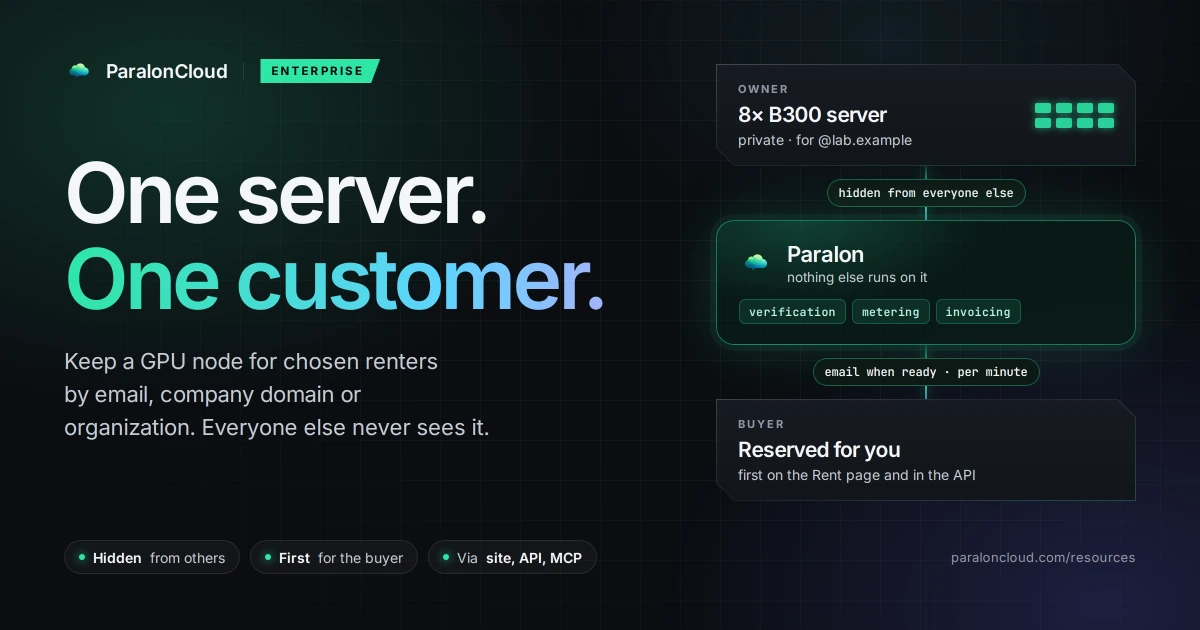
When a deal is agreed, the server can be kept for that buyer on the node itself. Make it a private node and name the buyer by email, by their company's email domain or by their organization on Paralon. Nobody else sees it, it shows first for the buyer, and we place none of our own work on it.
2. Per-minute rentals between contracts
A server that is not under contract can still earn. Connect it with one command per server: the agent reaches us over an outbound tunnel, so there are no inbound ports to open and no public IP to assign, and you choose which GPUs join. Before a card serves, we measure its memory bandwidth and compute, so it is listed with what it delivers (how we do it).
From then on it is on the Rent page and in the Rental API, rented by the minute. Each rental runs in its own container and cannot reach your private networks. If a node stops answering, billing stops after five minutes, so renters do not pay for downtime, and you are alerted.
The price is yours to set, from half to three times the platform default for the node's GPUs (node pricing). You keep 80% of what each rental bills.
Setup: Add a node.
3. Spot: earn now, take it back when a contract starts
The risk with renting out a server between contracts is the day the contract starts. Spot mode removes it. A spot node rents at a discount and has one button: Pause. Press it and we stop placing work on the server. A running rental gets two minutes' notice, with a countdown for the renter, then it stops, and the renter pays only until it does. Spot rentals never count against your reputation.
You can pause a whole group of servers at once, and a multi-GPU server can offer only some of its cards, keeping the rest for your own work.
Run it from your own systems
A neocloud already has a control plane. The Provider API plugs into it with a key scoped to your nodes: add nodes and get their install command, set price and availability, choose who can rent each one, take back spot nodes, and read live state and earnings. It never touches payouts.
The same operations are available to an AI agent. The @paraloncloud/mcp server gives Claude Code, Claude Desktop or Cursor tools such as list_my_nodes, set_node_price, reclaim_spot_node and get_earnings, so "pause the spot servers in Frankfurt" can be one sentence.
Getting paid as a company
What your servers earn is credited in US dollars, by the minute. A company can be paid by bank transfer in US dollars, from $100: fill in the company details once, we check them, usually within a working day, and you accept self-billing, so we issue the invoice for each payout in your company's name and there is nothing to upload. VAT on the invoice follows your company: reverse charge outside Romania, with an EU VAT number checked in VIES. Details: Payouts.
What to know first
- Supported servers. The agent runs on x86-64 Linux, or Windows through WSL2, with NVIDIA GPUs, current drivers, Docker and the NVIDIA Container Toolkit. Arm-based systems such as Grace (GB200, GB300) cannot join the network yet; they can still be listed in the directory for reserved deals.
- One server per rental. A rental is a container on one machine with up to all of its GPUs. Training across several servers is not something a rental does today; the network suits inference, fine-tuning, evaluation and batch work that fits one server.
- Verification runs again after a reboot or a driver change, and a card serves only once it passes.
Get started
- Reserved deals: list your capacity, free, from an organization.
- Per-minute rentals and spot: add a node.
- A large fleet, a deal with unusual terms, or a broker bringing both sides: write to [email protected] with the GPU model, how many, where and for how long.
The offer for owners, buyers and brokers is on one page: Reserved GPU capacity.
Frequently asked questions
What is a neocloud?
A cloud provider built around GPUs for AI, rather than a general cloud like AWS, Azure or Google Cloud. Neoclouds own or lease data-center GPUs (GB300, B300, B200 and earlier generations) and sell them by the hour or in reserved contracts for training and inference.
Is Paralon a neocloud?
No. Paralon does not own GPUs. It is a marketplace and the layer deals run on: owners connect or list their servers, buyers rent or reserve them, and Paralon runs access, verification, metering, payments and invoicing between them. For a neocloud it is a sales channel, not a competitor for its hardware.
How can a neocloud fill GPU capacity between contracts?
On Paralon, three ways: list servers in the capacity directory for reserved deals on your own terms, connect them to the network so they are rented by the minute while no contract holds them, and make them spot nodes so you can take a server back with two minutes' notice to the renter when a contract starts.
Do I have to lower my prices to sell idle capacity?
No. In the directory you set the price, minimum term and down payment of each listing. On the network you can set a node's price yourself, from half to three times the platform default for its GPUs; spot nodes rent at the default minus the spot discount.
Can a reserved server be hidden from everyone but one customer?
Yes. A private node is seen and rented only by the people you name, by email, company email domain or organization. Nobody else sees it, and Paralon places none of its own work on it.
How is a company paid?
You keep 80% of what each rental bills, credited by the minute. A company can be paid by bank transfer in US dollars, from $100, and Paralon issues the invoice in its name, so there is nothing to upload. Directory deals follow the share agreed when the reservation is set up.
Can we run all of this from our own systems?
Yes. The Provider API adds nodes, returns their install command, sets price, availability and who can rent, takes back spot nodes and reports earnings. The same is available to Claude Code, Claude Desktop or Cursor through the @paraloncloud/mcp server.