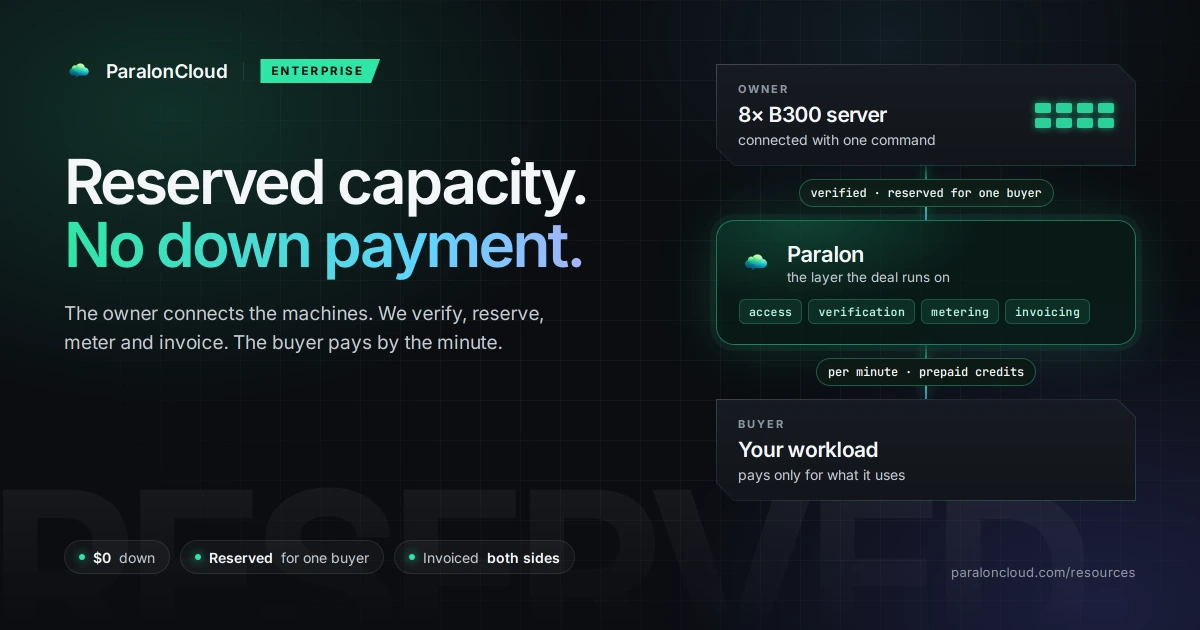
Most large GPU deals are between two parties who already know each other. An owner has a B300 server, a buyer needs one, they agree the price and the term, and from then on the machine is the buyer's. What they need from a platform is narrow: the machine must not be rented to anyone else, the buyer must be able to use it without a contract for every hour, and both sides need billing and invoices that add up.
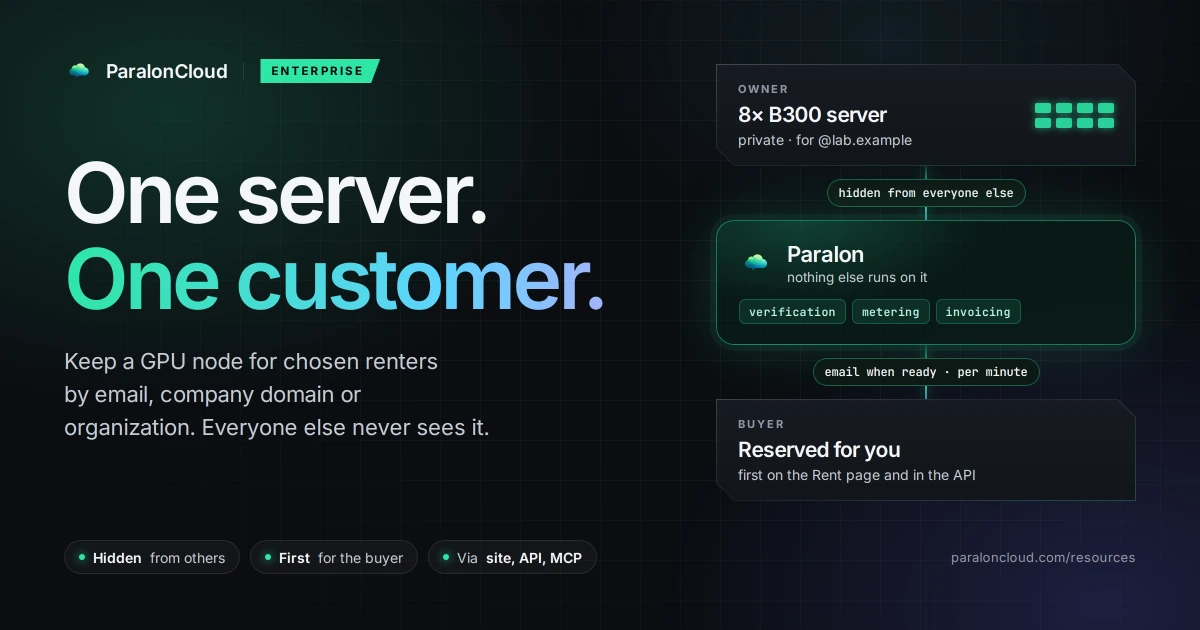
Until today, on Paralon, that reservation was something we set up for the deal. Now the owner sets it on the node. Add the buyer by email, by their company's email domain, or by their organization, and the node becomes private: it disappears for everyone else, shows first for the buyer, takes no other work, and emails them when it is ready to rent.
It works the same for an 8× B300 server and for a single workstation card. The deals we built it for are the large ones; anyone with a node can use it.
What a private node is
| a private node | |
|---|---|
| Who sees it | only the renters on its list, first on the Rent page, under Reserved for you |
| Everyone else | does not see it at all: not on the Rent page, not on its own page or share card, not in GET /api/v1/gpus, MCP, or the public price feeds |
| Who rents it | the people on its list, at the node's price, billed per minute from prepaid credits |
| Anyone else who tries | "not found", the same answer as for a node that does not exist |
| Paralon's workloads | none: no inference, no rendering, no quality checks |
| GPU verification | still runs; rentals depend on it |
Three ways to name the buyer
- A person, by email.
[email protected]lets in that account. - A company, by email domain.
@lab.examplelets in everyone who signs in with an address at exactly that domain. Subdomains are not included, so[email protected]is not. - An organization on Paralon, by name. The name is checked as it is typed, and never listed, so a provider cannot browse who is on the platform. Its members who can rent see the node while they work in that organization; in their personal workspace it is not there.
Up to 50 entries per node, in any mix. An empty list opens the node to everyone again.
Setting it up
On the site. In Add node or Edit, under Advanced options, set Who can rent it to Only chosen renters and add the entries. See Add a Node.
By API. With a key that has the nodes scope (Provider API), send the whole list:
curl -X PUT https://paraloncloud.com/api/v1/nodes/$NODE_ID/access \
  -H "Authorization: Bearer $PARALON_API_KEY" \
  -H "Content-Type: application/json" \
  -d '{"entries": [{"kind": "domain", "value": "lab.example"},
                   {"kind": "org", "value": "Lab Example Research"}]}'
An entry that is not an email, a domain or an existing organization is refused with invalid_entry, and the list stays as it was.
From an AI agent. The MCP server (@paraloncloud/mcp 1.3.0) has get_node_access and set_node_access. Ask Claude Code "keep b300-01 for everyone at lab.example" and it reads the current list, tells you what will change, and sets it once you confirm. We tested exactly that today: a node added, reserved and moved to another renter entirely through the published MCP server.
What the buyer sees
An email when the machine is ready, not before. Owners usually add the buyer before the server is even installed. The email waits until the node is online, verified and ready to rent, so the link in it leads to a machine that is there, and it says what the machine is. From our test today, an RTX PRO 6000 Server in Helsinki:
| GPU | RTX PRO 6000 Blackwell Server Edition |
| GPU memory | 96 GB |
| Measured | 1,461 GB/s memory bandwidth · 80.5 TFLOPS FP32 |
| CPU | AMD EPYC 9555 · 30 threads |
| RAM | 88 GB |
| Disk | 113 GB free |
| Location | Helsinki, Finland |
| Price | $2.00 per hour, billed by the minute |
Reserved for you, at the top of the Rent page. Ready machines are listed there with a count of how many are ready. Machines that are offline or still being set up are folded into one line under them, so a buyer with ten reserved servers, eight of them switched off, sees two machines and one line, and nothing reserved for them seems to have vanished.
The API. GET /api/v1/gpus marks such a node reserved_for_you and lists it first, so a buyer's scripts and agents find it without a node id passed around by hand. See List available GPUs.
Why hidden, and not just locked
A locked node that everyone can see still tells the market something: that a provider has B300s, where, at what price, and that someone has them reserved. For capacity deals that is often the part both sides want kept quiet. So a private node is not shown as unavailable. It is absent: from the Rent page, from the node's own page and its link preview, from the Rental API and MCP, from our public price feeds, and from the count of GPUs on the network. Renting it without being on the list answers "not found", never "forbidden", so the answer does not confirm the node exists.
We checked this from the outside today with a key not on the list: the node was missing from /gpus, and a rental request for its id came back 404 node_not_found. The same held for the key of the node's own owner, which brings us to one rule worth knowing.
The owner is not on the list by default. Owning a node does not let you rent it once it is private. To rent your own private node, for testing or your own work, add your email.
Why nothing else runs on it
On an open node, Paralon fills idle time with inference for our API. A reserved machine is a promise to one buyer, so on a private node we place nothing: no inference, no rendering, no quality checks. When a node turns private, a model already running on it is stopped, including one still loading. The node earns only from its renters' rentals, at 80% of what each rental bills, as on any node.
GPU verification is the one thing that still runs. Every card is measured for memory bandwidth and compute before it serves, and again after a reboot, because the buyer is paying for what the card delivers, not for its name. How we measure: How We Prove a GPU Is Real.
B300 deals
The deals that need this most are the large ones: a cluster of 8-GPU B300 servers for a year, kept for one company. An owner connects each server with one command (no inbound ports, no public IP), sets it private for the buyer's domain or organization, and sets the node's price, anywhere from half to three times our default for those GPUs. The buyer's team rents the machines by the minute from prepaid credits, through Jupyter Lab with a terminal or from code with the Rental API, and both sides are invoiced through Paralon.
When the deal also has a down payment, a minimum term or a split agreed with us, that part is set up with us, and the reservation itself is now this feature. The terms side is in Reserved GPU Capacity, With or Without a Down Payment.
What to know before you use it
- The list is the whole answer. Owning the node or having rented it before does not let anyone in; only an entry on the list does.
- Domains are exact.
@lab.exampledoes not includeeu.lab.example; add both if you need both. - Removing someone is silent. A renter taken off the list is not emailed; the machine simply stops showing for them. Tell them yourself if it matters.
- One email per entry. Saving the list again does not email anyone a second time; only new entries are told, once.
- The price is the node's. There is no separate price per renter: everyone on the list rents at the node's price.
Get started
If you own GPUs and have a buyer, connect the server (Add a Node) and set Who can rent it before you share anything. If the deal needs terms beyond the node's price, write to [email protected].
If you need capacity kept for your team, write to the same address with the GPU, how many, where and for how long. We will tell you what can be reserved for you, and from whom.
Frequently asked questions
Can I rent out a GPU server to only one customer?
Yes. In Add node or Edit, under Advanced options, set Who can rent it to Only chosen renters and add your customer by email, by their company's email domain, or by their organization on Paralon. Nobody else sees the machine or can rent it.
What does everyone else see?
Nothing. A private node is left out of the Rent page, its own page and share card, GET /api/v1/gpus, the MCP server and the public price feeds. A rental request for it from anyone not on the list is answered as if the node did not exist.
How does my customer find the machine?
They get an email the first time the machine can be rented, with the GPU, GPU memory, measured bandwidth and FP32, CPU, RAM, free disk, location and price, and a link to it. On the Rent page it is first, in Reserved for you. Through the API it is marked reserved_for_you.
Can I reserve a node for a whole company?
Yes, two ways. Add their email domain (@company.com) and everyone who signs in with an address at exactly that domain can rent it. Or add their organization on Paralon by name: its members who can rent see it while they work in that organization.
Does Paralon run inference or other jobs on a private node?
No. A private node takes no inference, rendering or quality checks from us; a model already running on it is stopped when it turns private. It earns only from the rentals of the people on its list. GPU verification still runs, because rentals depend on it.
What does a reserved B300 node cost the buyer?
The node's price: our default for its GPUs, or the price the owner sets, anywhere from half to three times the default. It is billed per minute from prepaid credits, like any rental. Larger deals with their own terms are described in Reserved GPU Capacity, With or Without a Down Payment.
Can I set who can rent a node by API or with an AI agent?
Yes. PUT /api/v1/nodes/{id}/access on the Provider API with a key that has the nodes scope, or the set_node_access tool of the @paraloncloud/mcp server from Claude Code, Claude Desktop or Cursor.