
A single Cycles frame can tie up your workstation for minutes. A full animation can take it hostage for hours — sometimes days. The classic fix is a render farm, but traditional farms are centralized, priced with a healthy markup, and a chore to wire into your pipeline. Buying your own multi-GPU render rig is the other option, and it sits idle most of the month while you pay for the power and the depreciation.
ParalonCloud Render takes a different route: a cloud Blender render farm that runs on a decentralized network of NVIDIA RTX GPUs. Upload a .blend, choose Cycles or Eevee, and your frames render across the network — no render rig, no drivers, no DevOps. Free during beta.
How it works
The whole flow is four steps, and you never touch a server:
- Upload your
.blend. Textures and dependencies are packed automatically — you just drop one file. - Configure in a quick wizard: Cycles or Eevee, resolution, samples, and frame range. Sensible defaults are pre-filled.
- Render. Your job is dispatched on-demand to an available GPU node and you watch frames complete in real time.
- Download. Grab the result as an image sequence (PNG, JPEG, OpenEXR) or an MP4 video.
That's it — open the Blender renderer, sign in, and you're rendering.
Cycles or Eevee — both fully supported
You pick the engine per job:
- Cycles — physically-based path tracing with CUDA and OptiX acceleration. This is the one for photorealistic stills and final-frame quality: up to 4096 samples and denoising support.
- Eevee — real-time rasterized rendering for fast previews, stylized looks, and motion graphics that don't need full path tracing. Blazing fast frames at a low cost per frame.
Both run on Blender 4.5 and recent LTS releases.
Why a decentralized render farm is different
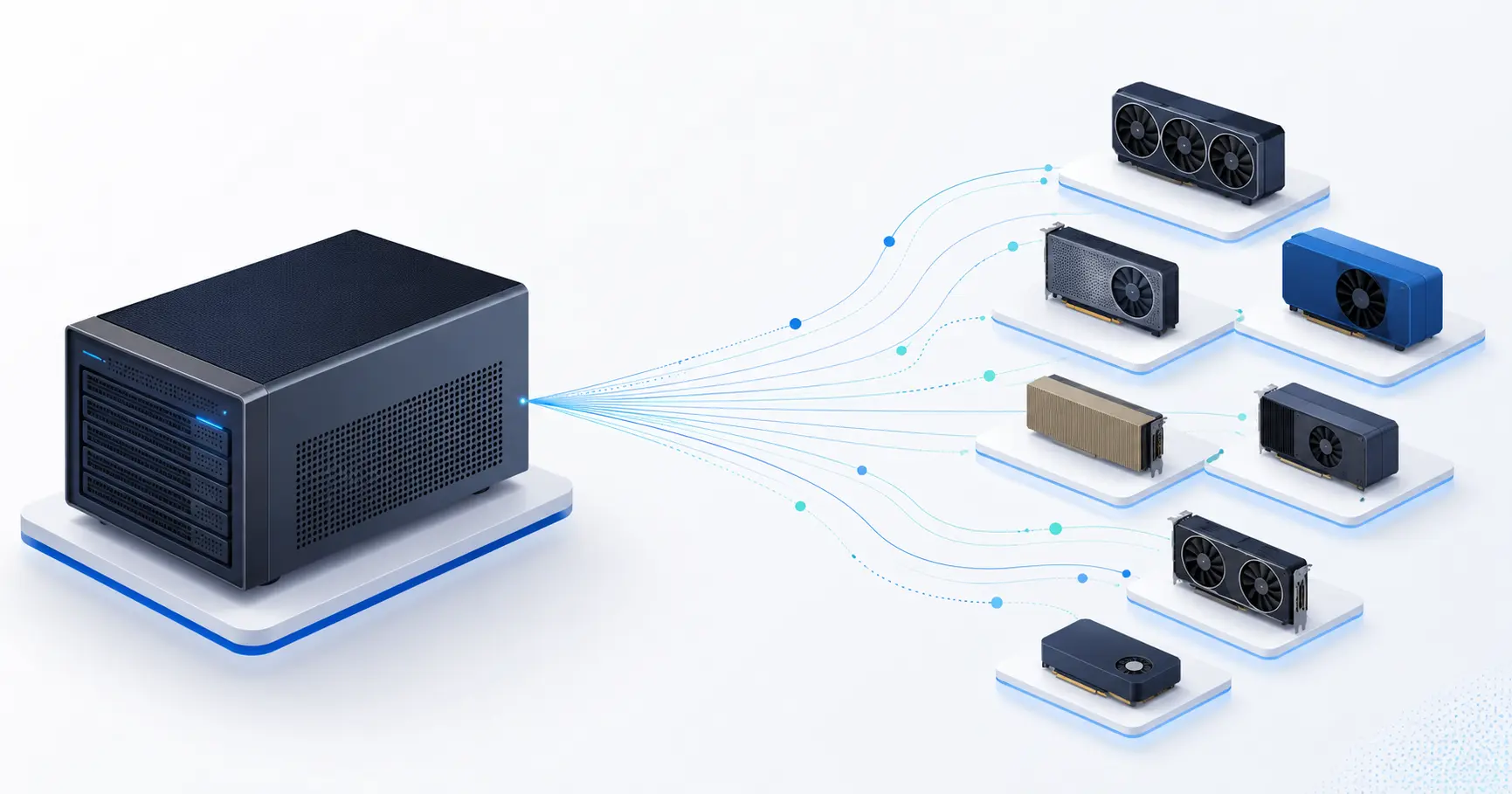
A traditional render farm is a single data center you rent time on, with the markup that implies. ParalonCloud is built on DePIN infrastructure: jobs are dispatched on-demand to a global pool of verified GPU providers. That means:
- Elastic capacity — no single bottleneck; you tap whatever's free across the network.
- On-demand dispatch — your job goes to whatever capable node is free, instead of waiting in line behind one busy machine.
- No data-center markup — you're renting directly from the people running the GPUs.
The same RTX cards that serve AI inference on the network temporarily switch over to your render and switch back when it's done — idle silicon put to work.
What you can render
Product visualizations, motion graphics, architectural walkthroughs, short films — anything Blender can output. The farm supports 4K and 8K resolution and animation batch rendering, with PNG, JPEG, OpenEXR, and MP4 outputs.
Current beta limits are deliberately generous: up to 100MB per .blend upload, 500 frames per job, and up to 8K (7680×4320). Need more headroom? Reach out and we'll lift the limits on your account.
Pricing: free during beta
Rendering is free while we're in beta — no credit card required. After beta, pricing will be usage-based and announced before the beta ends, so you'll only ever pay for the minutes your frames actually render. No subscriptions, no idle costs, no lock-in.
Which GPUs (and a note for node operators)
Render currently runs on a curated set of high-end NVIDIA RTX 4090 nodes, chosen for VRAM and throughput. We're growing the render pool: if you run a 4090 — or a comparable high-VRAM RTX card like a 3090 or 5090 — on the network and want your node added to the render allowlist, get in touch and we'll include it.
Start rendering
No render rig, no setup, no queue for idle capacity. Open the Blender renderer →, drop your .blend, and let the network do the heavy lifting.